Sale!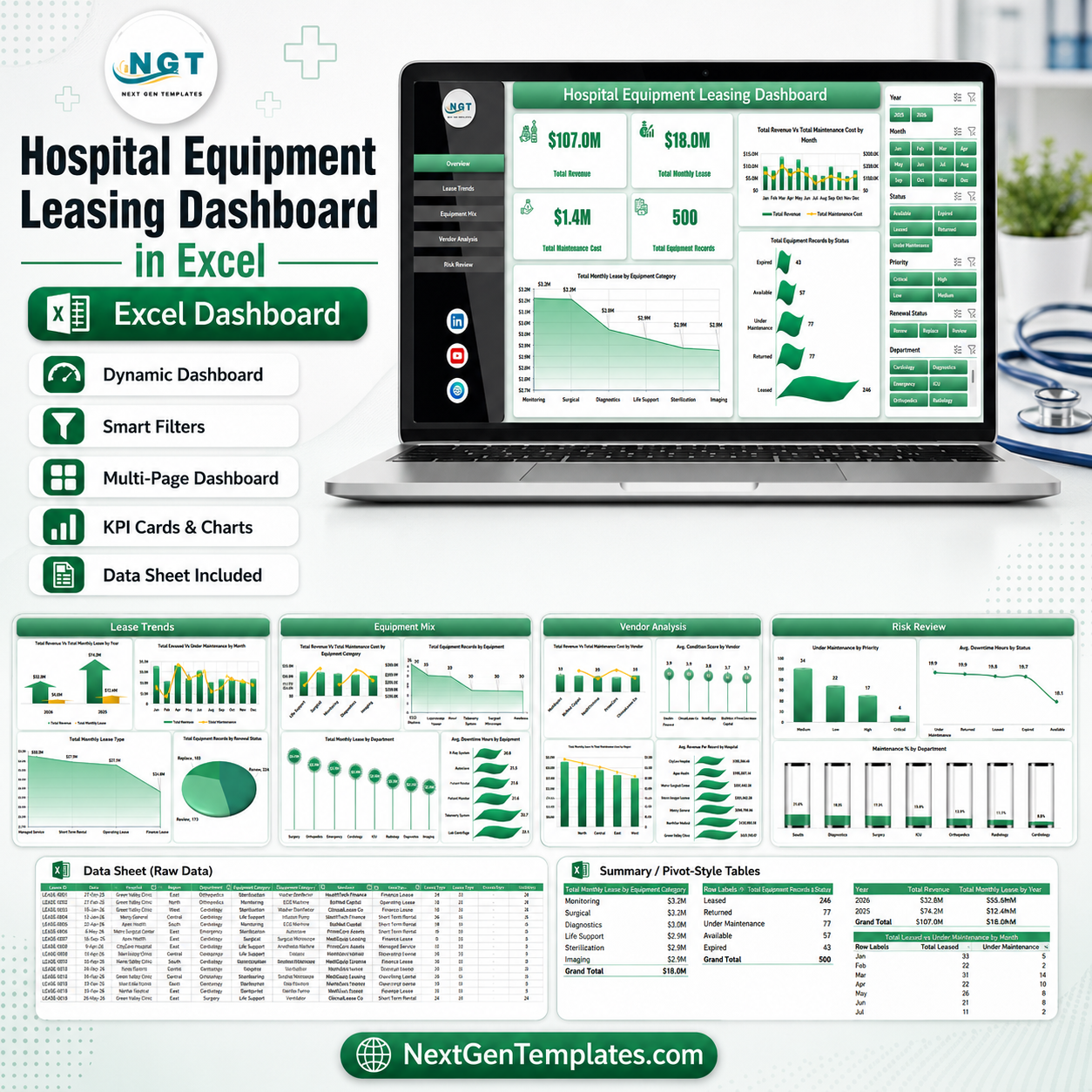
Hospital Equipment Leasing Dashboard in Excel
$ 16.19
Hospital Equipment Leasing Dashboard in Excel gives hospital finance, biomedical engineering, procurement, and operations teams a ready-to-use reporting workbook for tracking leased equipment revenue, monthly lease cost, maintenance cost, utilization, vendor mix, status, priority, and department-level cost. Instead of rebuilding pivot tables from scratch, users can replace the sample data, click Refresh All, and review 5 interactive dashboard pages, 5 KPI cards, multiple slicers, a Data sheet, and a Support sheet. Join 8,400 teams in 40 countries using NextGenTemplates to replace recurring dashboard software with one-time-purchase Excel templates. Instant download, one-time payment, no subscription, and lifetime access. Key Features of Hospital Equipment Leasing Dashboard in Excel 5 analytical dashboard pages covering Overview, Lease Trends, Equipment Mix, Vendor Analysis, and Risk Review. 5 KPI cards for Total Revenue, Total Monthly Lease Cost, Total Maintenance Cost, Leased Equipment Count, and Average Revenue Per Record. Pivot-driven charts for monthly revenue, lease type, vendor, hospital, region, status, priority, category, department, and equipment performance. Interactive slicers help users filter the workbook quickly by operational dimensions such as status, vendor, region, department, equipment category, and lease type. Data and Support sheets keep input records and pivot tables structured so the dashboard can refresh cleanly after updates. What’s Inside the Hospital Equipment Leasing Dashboard in Excel Overview Page The Overview page summarizes high-level leasing performance using KPI cards and executive charts. Total Revenue by Month Name shows revenue movement across the year, while Utilization Rate by Overall Equipment Portfolio helps leaders see whether leased assets are being used effectively. Leased Equipment Count by Status highlights active, pending, or closed records, and Total Monthly Lease Cost by Equipment Category shows which categories create the largest recurring lease burden. Hospital Equipment Leasing Dashboard in Excel Lease Trends The Lease Trends sheet focuses on leasing structure and time-based performance. It compares Leased Equipment Count by Lease Type, Total Revenue by Year, Total Revenue by Lease Type, and Total Monthly Lease Cost by Month Name so hospital teams can spot growth patterns and cost pressure early. Lease Trends Equipment Mix The Equipment Mix page explains how revenue and maintenance costs vary by month, department, equipment, and equipment category. Average Revenue Per Record by Equipment helps compare asset-level performance, while maintenance-cost views help identify categories that may need contract review. Equipment Mix Vendor Analysis The Vendor Analysis tab helps procurement and finance teams compare vendors, hospitals, and regions. Average Revenue Per Record by Vendor and Total Equipment Records by Vendor support vendor review meetings, while regional maintenance cost analysis highlights locations that may require attention. Vendor Analysis Risk Review The Risk Review page connects leasing count, utilization, status, priority, and department cost. It helps managers identify risky records, high-cost departments, and lease-status patterns before they become budget or utilization problems. Risk Review Data Sheet Tab The Data sheet is where users add or replace hospital equipment leasing records in the same structured format. Clean field names and consistent values make the pivot tables refresh properly. Data Sheet tab Support Sheet Tab The Support sheet contains the pivot tables used by the dashboard pages. After updating the Data sheet, users can go to the Excel Data tab and click Refresh All. The pivots and charts refresh together, and the sheet can remain hidden during normal use. Support sheet tab Hospital Equipment Leasing Dashboard in Excel vs. Google Sheets vs. Paid Healthcare SaaS – Where This Fits Feature Excel dashboard Google Sheets alternative Paid healthcare SaaS Cost $17.99 one-time Low cost, usually self-built Monthly or annual subscription Platform Microsoft Excel desktop Browser-based spreadsheet Vendor-hosted cloud platform Setup time Under 10 minutes after data replacement Depends on formulas and sharing Often requires onboarding Vendor and lease analysis Built in Custom setup required Depends on module and plan Customizable fields Fully editable workbook Editable with permissions Often limited by vendor schema Year-1 cost at 5 users $17.99 plus Excel already used Low if self-managed Can reach hundreds or thousands Who This Template Is For – and Who It’s Not For This template is built for hospital finance teams, biomedical equipment managers, procurement analysts, operations leaders, and consultants who need a practical Excel layer for leased medical equipment reporting. It is not a live asset management system, CMMS, EHR, or lease accounting compliance engine. Teams needing real-time IoT equipment feeds, depreciation schedules, user permissions, or automated vendor integrations should use this workbook alongside their operational platform. How to Use the Hospital Equipment Leasing Dashboard in Excel Download and open the workbook in Microsoft Excel. Replace the sample records in the Data sheet with your hospital equipment leasing data. Keep vendor, department, region, lease type, status, priority, and category names consistent. Click Refresh All from Excel’s Data tab. Use slicers to filter each dashboard page and review leasing performance. Real-World Use Cases Anita, hospital finance manager: She reviews monthly lease cost by equipment category before budget meetings and checks whether revenue is keeping pace with recurring lease spend. Rohan, biomedical equipment lead: He uses utilization and maintenance-cost views to identify assets that may need renegotiation, replacement, or better scheduling. Meera, procurement consultant: She compares vendors and regions to prepare a contract-review pack for hospital leadership. Frequently Asked Questions What does this dashboard track? It tracks total revenue, monthly lease cost, maintenance cost, leased equipment count, average revenue per record, utilization rate, vendor mix, lease type, status, priority, hospital, department, region, and equipment category. Can I replace the sample data? Yes. Replace the records in the Data sheet, then refresh the workbook so the pivot tables and charts update. Does this workbook use macros? No macro workflow is required for the normal dashboard process. It is built around Excel tables, slicers, pivot tables, and pivot charts. Can I customize the charts? Yes. Since this is an Excel workbook, you can edit charts, colors, fields, pivots, and page layouts. Is this a hospital asset management system? No. It is a reporting dashboard for analyzing exported or manually maintained leasing data. It does not replace a full asset management or CMMS platform. Is this a one-time purchase? Yes. The template is sold as a one-time download with no subscription or per-user fee. About the Author Built by PK – Microsoft Certified Professional with 15 years of Excel, Google Sheets, and Power BI experience. Founder of NextGenTemplates, reaching 300K subscribers across YouTube channels. Every template is hand-built and tested before release. Explore Related Templates For broader equipment leasing analysis, see the Equipment Leasing Dashboard in Excel. For KPI-style leasing management, use the Equipment Leasing KPI Dashboard in Excel. Healthcare teams may also like the Home Healthcare KPI Dashboard in Excel and Patient Appointment Data Entry System in Excel. Browse more Excel Dashboard Templates. Get the Hospital Equipment Leasing Dashboard in Excel today and start reviewing hospital lease costs, vendor performance, utilization, and maintenance trends in one workbook. Last updated: June 19, 2026 Watch the step-by-step video tutorial:
Related products
-
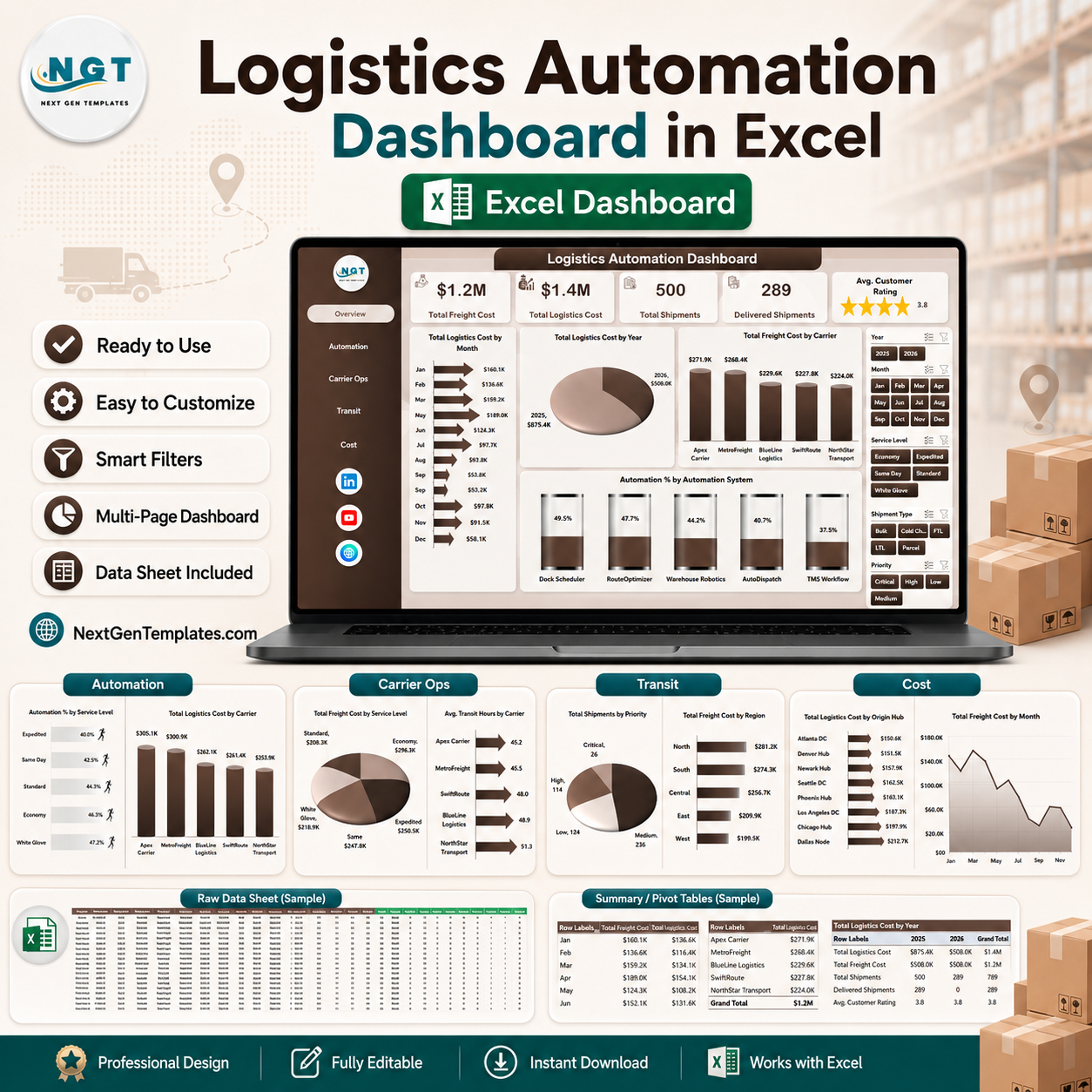 Logistics Automation Dashboard in ExcelSelect options This product has multiple variants. The options may be chosen on the product page
 -
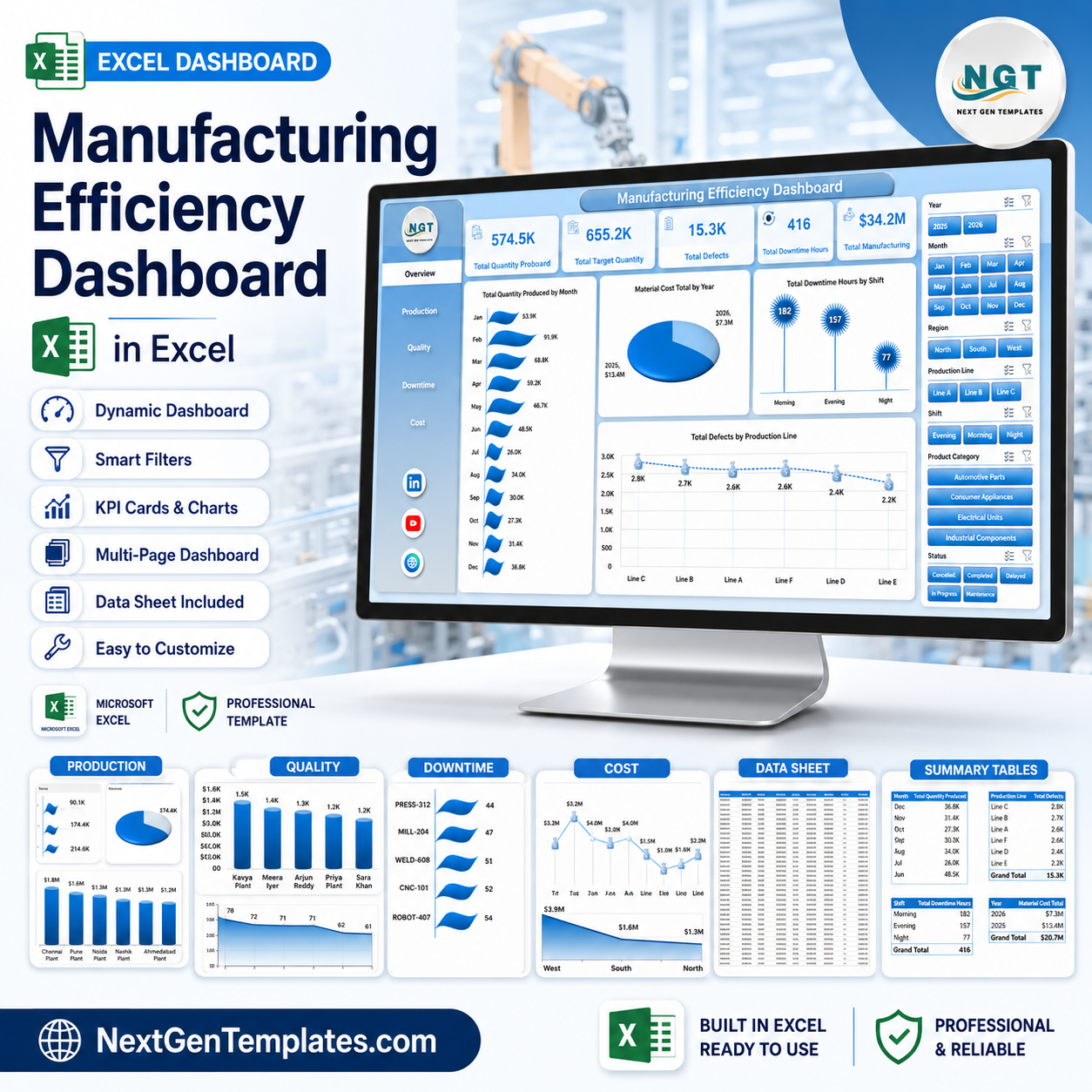 Manufacturing Efficiency Dashboard in ExcelSelect options This product has multiple variants. The options may be chosen on the product page
 -
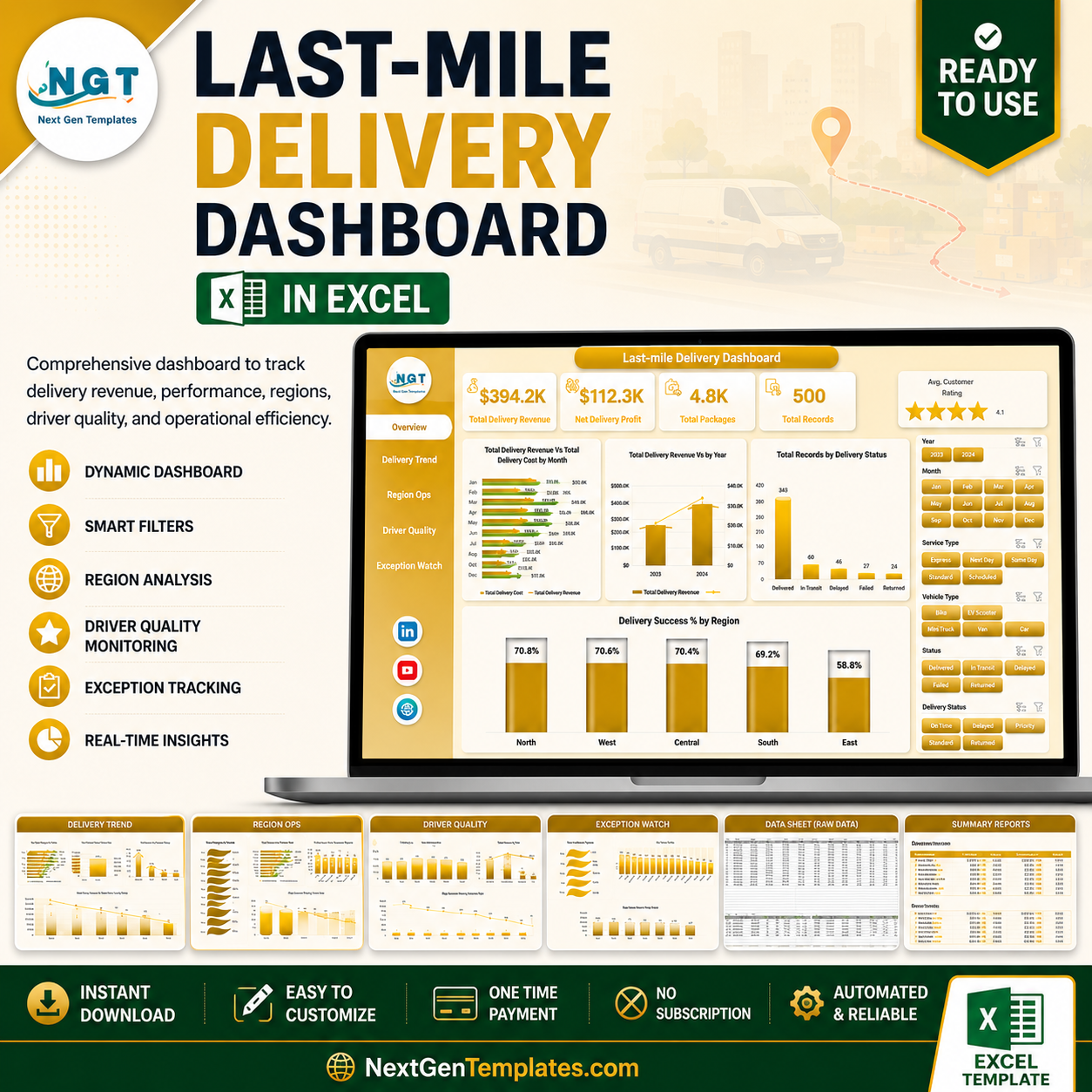 Last-mile Delivery Dashboard in ExcelAdd to cart